Mail Simulator Roblox Tools Hub
Checklists and co-op boards for Mail Simulator—structure your shift before the ship horn blows.
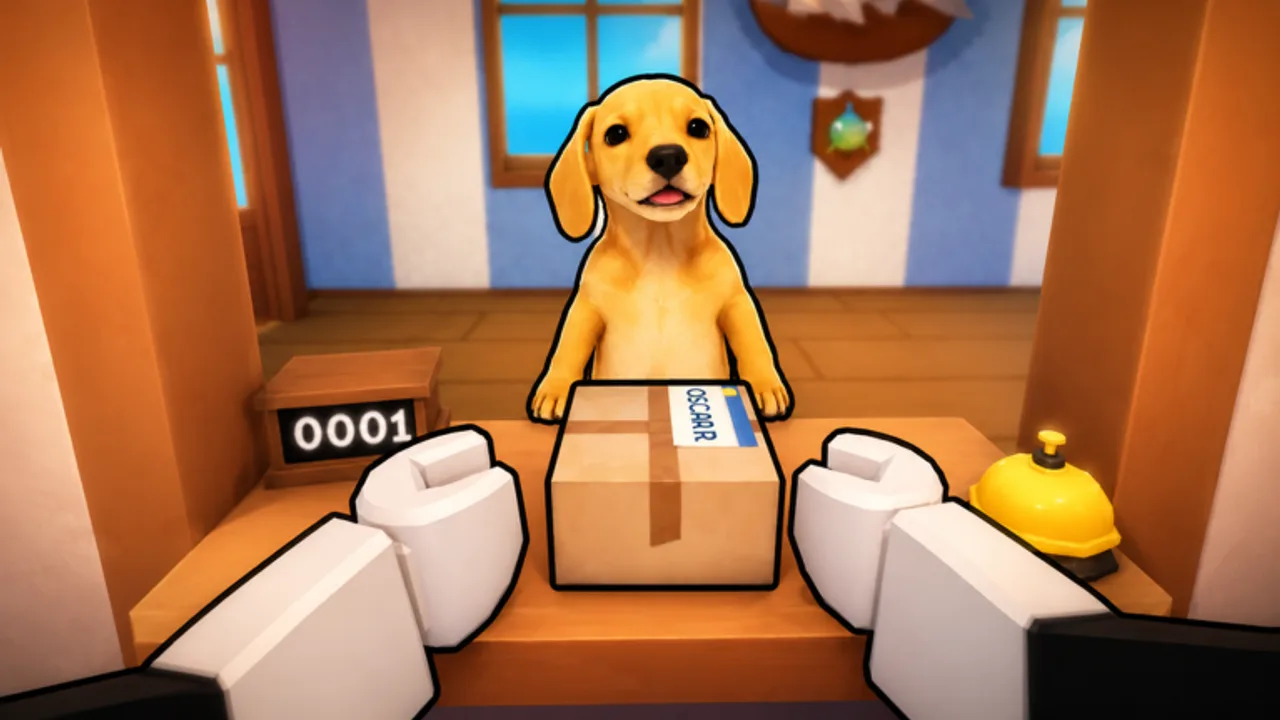
Long Mail Simulator sessions blur together: customers, sort tables, staging carts, and ship timers repeat until coins pile up. MEROYst built Dog Mail as a cozy Roblox sim, but efficiency players treat each departure like a lap in a race. This Tools Hub collects lightweight helpers—no external apps, no account login—just markdown you can follow on a second screen while playing place 80758549465719 solo or with up to five co-op friends.
Tools complement Guides; they do not replace learning mechanics. Use them once basics from Getting Started feel comfortable.
Available tools
Shift Checklist
Interactive-style tick list for one full serve → sort → ship cycle. Check boxes mentally or copy into notes app between departures. Tracks counter clearance, express mail, staging fullness, load percent, and post-shift coin notes.
Best for: solo grinders optimizing Earn Coins Fast routes.
Co-op Board
Role assignment template for five-player crews—counter clerk, sort lead, runner, dock captain, flex. Includes callout phrases and rotation schedule so twenty-player public servers feel less chaotic.
Best for: friend groups using Co-op Roles guide as reference.
Why use tools at all?
Roblox sim muscle memory develops faster with explicit checkpoints:
- Prevents skipping express mail during counter rush
- Stops five friends from stacking on same ramp prompt
- Logs which stand upgrades correlated with better departures
- Surfaces weak phase before you buy wrong character
Ten disciplined cycles with a checklist often beat an hour of unfocused grinding.
How tools fit the wiki
| Tool | Pairs with |
|---|---|
| Shift Checklist | How to Sort Packages, Load Ship |
| Co-op Board | Co-op Roles, Unlock Stands |
Neither tool tracks promo codes—refresh Codes hub separately after MEROYst announcements on Official Links.
Device tips
- Second monitor or phone notes — keep checklist visible without alt-tabbing Roblox fullscreen.
- Tablet split screen — mobile Roblox plus checklist in browser works for casual shifts.
- Print co-op board — laminate for recurring friend nights; dry-erase marker for names.
What we do not build here
This hub avoids:
- Script injectors or auto-sort macros (Scripts explains risks)
- Fake code generators
- External coin calculators requiring Roblox login
Stay inside Roblox ToS; tools are planning aids only.
Suggested session workflow
- Open Co-op Board if friends joined; assign roles verbally.
- Launch Mail Simulator from Official Links.
- Run Shift Checklist each departure; note failures.
- After session, spend coins using tier lists priorities.
- Read Updates if something felt different—patches change timers.
Related hubs
Frequently Asked Questions
Quick answers about Mail Simulator sorting, ship loading, and co-op play.
Do Mail Simulator tools require download?
No. Shift Checklist and Co-op Board are markdown pages on this wiki—use them in browser while playing.
Can I use tools in public twenty-player servers?
Yes for personal checklist use. Co-op Board works best in friends-only groups where role assignments are agreed.
Will tools auto-track my Roblox stats?
No automated tracking—mark checkpoints yourself for honest self-review.
Are more tools planned?
We may add calculators if MEROYst publishes transparent payout tables—watch Updates hub for announcements.